Android 1.0.9: account rewards and an updated connection experience
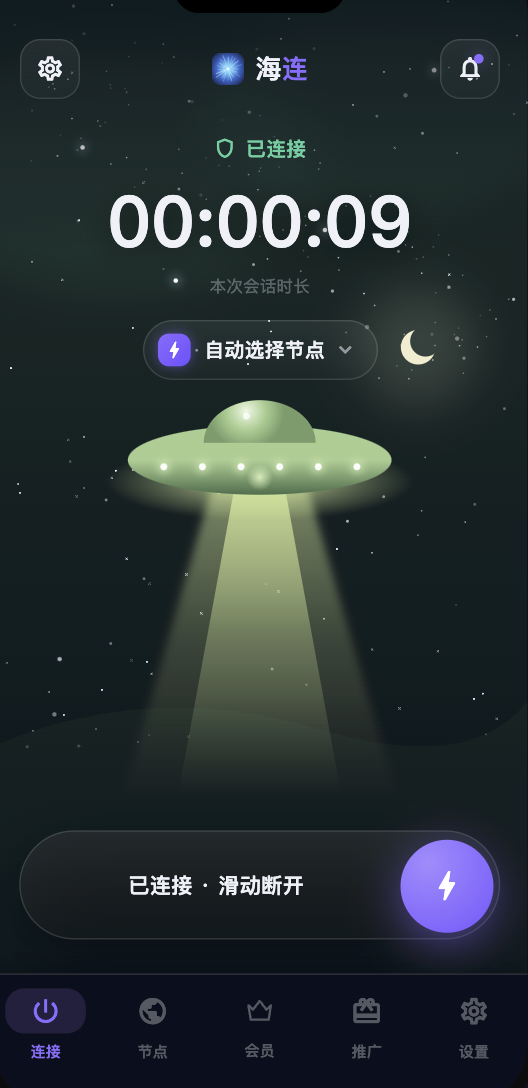
Android version 1.0.9 was announced on 9 July 2026. This article preserves the context of that release; it is not a recommendation to install an old APK. Get the current supported Android version from the official downloads page.
A clearer account and home screen
The release brought the Hailian branding and account features into the Android interface. The home screen was intended to make membership status, connection controls and available routes easier to find. A single account could also be used on other supported Hailian platforms, subject to the plan's device limits.
Check-in and promotional rewards
The announcement introduced daily check-in, a promotional draw and benefits for new accounts. The original campaign included a 30-day offer. Campaign dates and eligibility were specific to that period: do not assume that a newly created account today receives the same reward.
Open the relevant screen in the current client to see the reward, expiry and conditions before taking part. Check-in access is a product promotion, not evidence that unrelated free VPN apps are safe. See how daily check-in works for the distinction.
Connection and routing
The client grouped connection controls and intelligent routing into the app. Smart routing can keep selected local traffic direct; global mode sends traffic through the tunnel more broadly where supported. A connection indicator should be followed by a real website check, because a destination can still reject a route that is otherwise working.
Choose a route based on actual performance from your network. If a website does not load, first distinguish an underlying Wi-Fi or mobile connection problem from a VPN route or destination-specific issue.
Updating safely
Use the official update entry in the app when available, or download the current APK from the official website. Avoid modified installers, chat attachments and files presented as a special accelerated edition. Preserve system security protections and investigate a specific warning rather than dismissing all warnings automatically.
After updating, reopen the app, confirm that the correct account is signed in and check membership validity. If Android requests VPN permission, review the system prompt and allow it only for the official client.
If the update does not install or connect
Check available storage, the supported Android version and whether another VPN occupies the system VPN slot. For phones without Google services, read the Chinese Android installation guide. Huawei users should also check HarmonyOS compatibility before installing an APK.
For support, provide the phone model, OS version, installed client version and the exact error. Hide account identifiers and never send passwords or verification codes. The Android guide explains the normal first connection flow.