Daily check-in: confirm the reward in your account
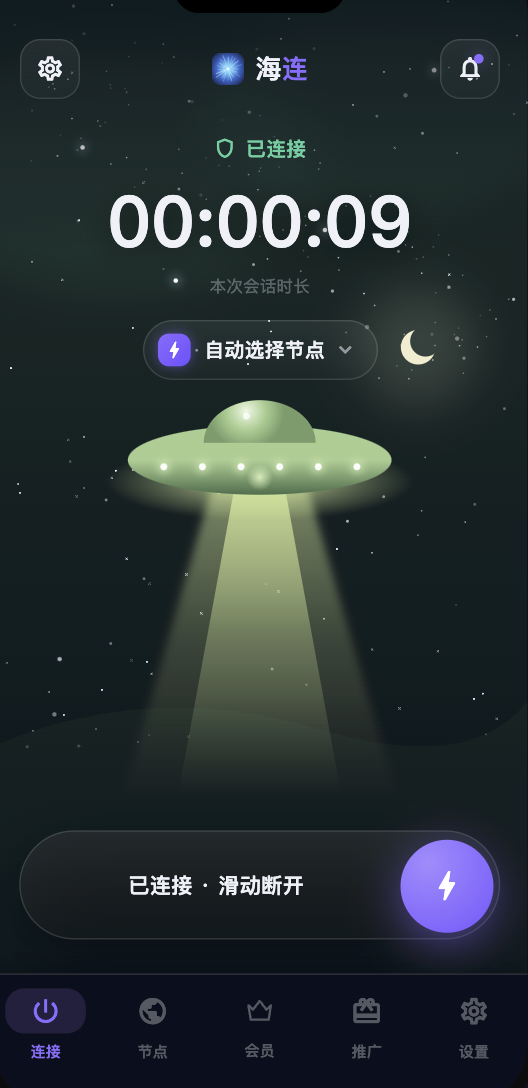
The July 2026 article introduced Hailian VPN's daily check-in feature as a way to receive promotional access through the client. A check-in reward is subject to the programme shown in the current app. It is not a promise that all service use will remain free indefinitely.
Where to find check-in
Sign in to your own account in the official client and open the account or settings section containing the reward entry. The location may vary by client version. Review the reward amount, validity period and eligibility before confirming.
The account's membership expiry is the place to verify that time was actually added. A notification or button press alone does not establish that the reward was recorded.
A daily benefit has conditions
Campaigns can change. The reward may depend on the day, account eligibility or limits described in the app. Do not infer a full year of guaranteed free access by multiplying one day's promotional reward by 365.
If a check-in is unavailable, check the current client version, account state and displayed programme rules. Repeated taps or creating additional accounts to bypass limits is not a reliable way to resolve an eligibility problem.
Promotional access versus an unrelated free VPN
A service can fund a limited free entry through paid plans or a launch campaign. Other products may use advertising, usage analytics or third-party arrangements. Free pricing alone proves neither safety nor malicious behaviour.
Before installing any VPN, check the operator, download source, privacy policy and requested permissions. The VPN honeypot guide explains how to assess those risks without calling every free service a trap.
Getting started with a reward
- Download the current app from Downloads.
- Register or sign in through the official flow.
- Review the current check-in terms in the client.
- Confirm an eligible check-in and inspect membership expiry.
- Connect and test the service you need.
For first-time setup, read the first connection guide. Available nodes, modes and device limits follow the current account and plan.
If check-in fails
Confirm that the underlying network works and that you are using the correct account. Record the visible error and approximate time rather than repeatedly changing accounts or reinstalling the app. Support does not need your password or verification code to investigate.
For sustained use, compare the current plans with your needs. Check-in can be a useful promotional benefit, but its future amount and availability should not be treated as a permanent contractual promise.