Why choose Hailian VPN? Start with the workflow and your own test
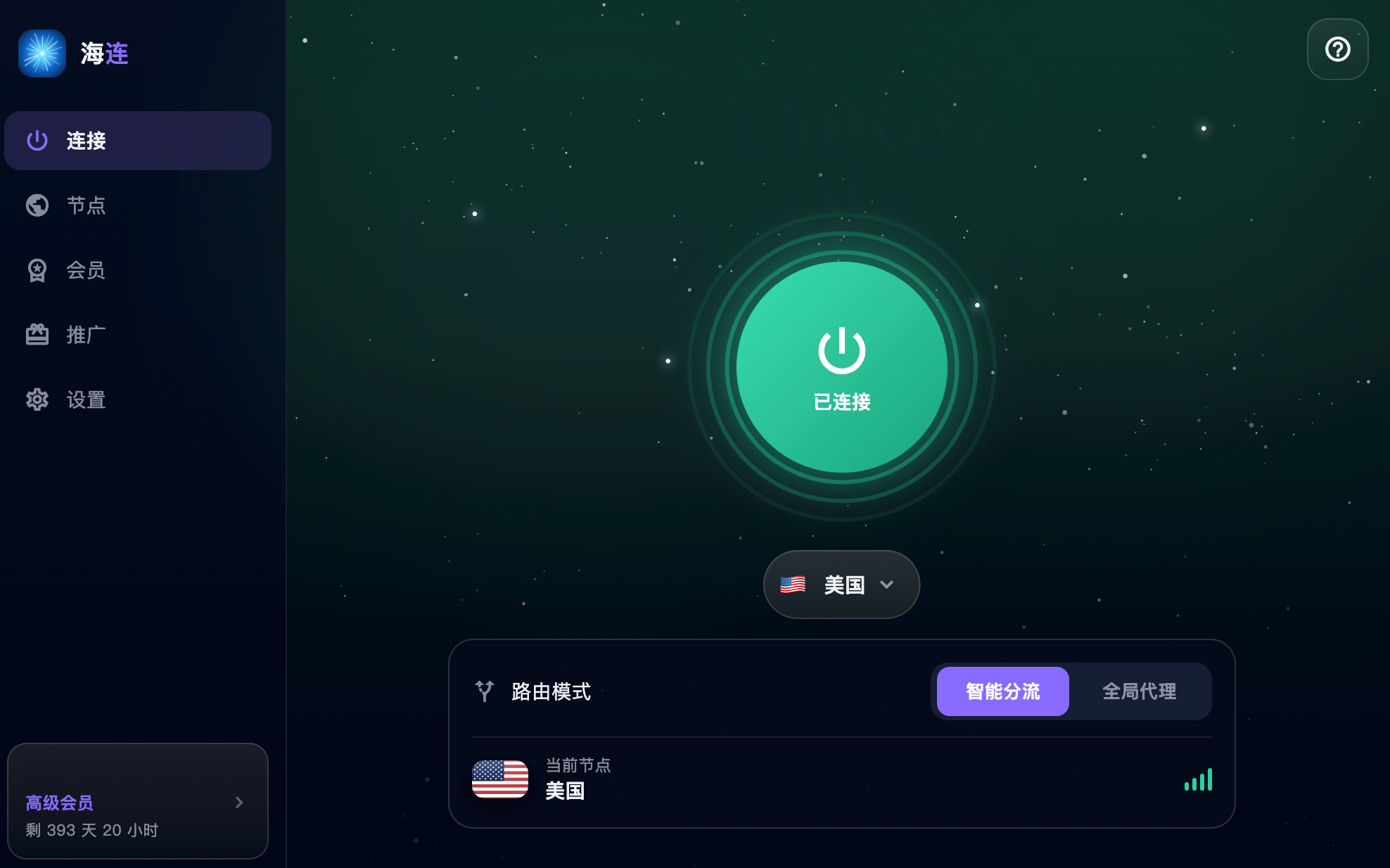
The original June 2026 article introduced Hailian VPN's product approach: put account access, route selection and connection controls in a client so everyday users do not need to maintain a server or manually assemble configurations. Whether it is the right service for you depends on your devices, network and tasks.
An integrated connection workflow
The official client brings installation, sign-in, membership status and routes together. That can reduce setup work for someone who wants to browse, communicate or use international work tools. Check the downloads page for the platforms available today and their installation requirements.
A service that runs on one of your devices does not automatically run on every television, router or operating system. Native client support should be confirmed before purchasing.
Smart routing and global mode
Smart routing can keep appropriate local traffic direct while routing selected destinations through the VPN. Global mode uses the tunnel more broadly where supported by the client and account. Choose the mode according to the task and understand which traffic remains outside the tunnel.
Local banking, workplace and streaming services can apply their own policies to a VPN exit. A mode switch does not change those policies or repair an account problem.
Routes are options, not guarantees
The original article listed several countries and advertised availability figures. Those dated promotional statements are not new measurements of today's node count, uptime or performance. The current app shows the routes available to your account.
Test the same task on a small number of available routes. Your ISP, time of day, device and destination can all change the result. No location list or headline port rate replaces that test.
Accounts, plans and privacy
Check the account's membership expiry and device limits, and read current pricing before paying. A personal account is for its owner within the plan; unlimited traffic does not grant unlimited shared users.
Read the original English Privacy Policy and Terms of Service. This article does not assert an independently audited no-logging claim. Encryption also does not protect against phishing, malicious local software or a reused password.
Try the real task
If a legitimate trial is available, use it on the device and network you normally use. Open your required websites, test calls or media where relevant, and compare performance at the times that matter to you. Note both what works and what does not.
For installation, start with the first connection guide. For failures, use connection troubleshooting before changing many settings at once.
A reasonable decision
Hailian may suit someone who values an integrated client and direct account workflow. It cannot promise uninterrupted access across every restrictive network or guaranteed acceptance by a particular platform. Choose it based on compatibility, the current plan and the outcome of your own practical test.