VPN connected but Netflix or TikTok does not work: six checks
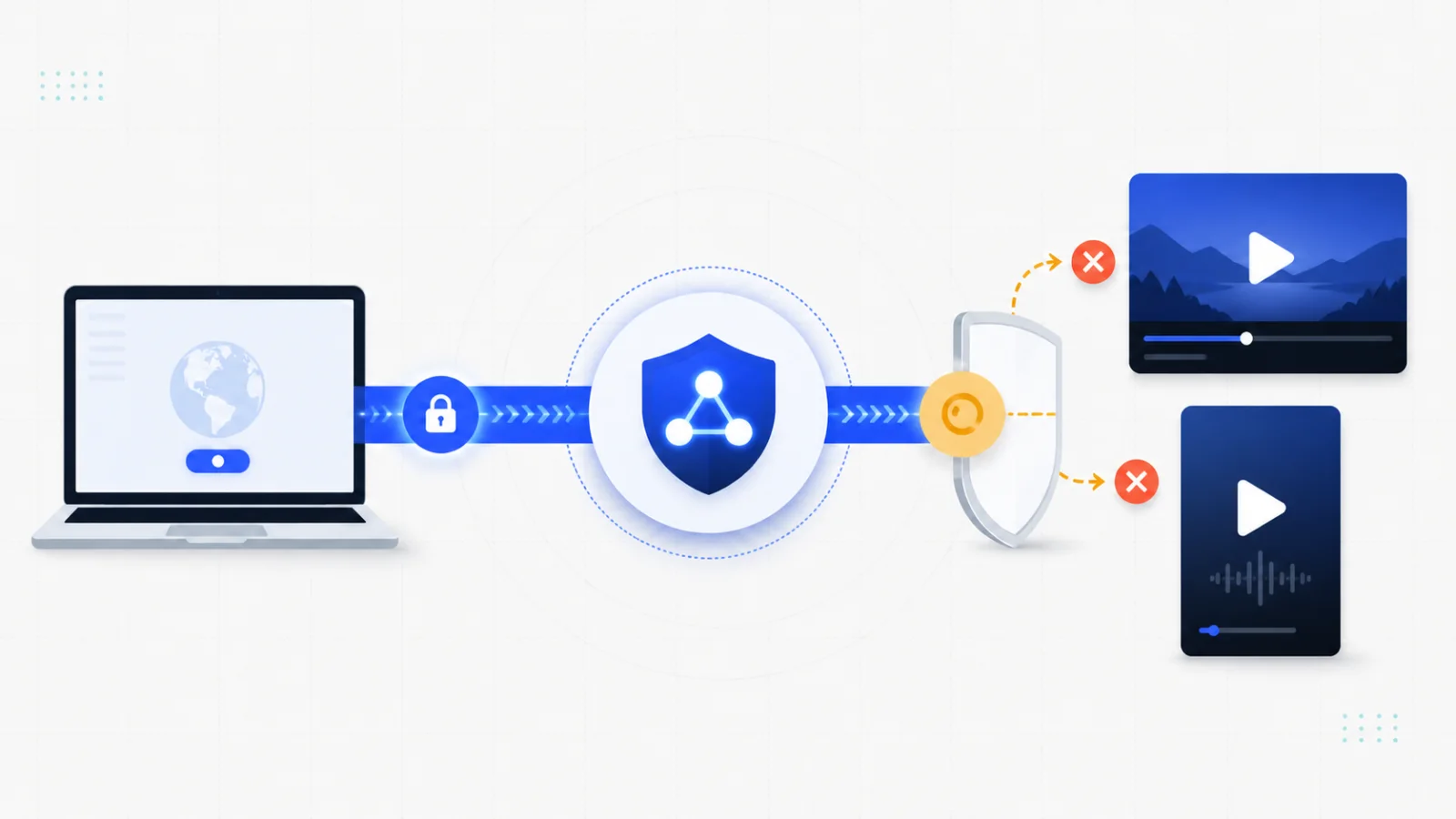
A connected VPN does not guarantee that Netflix or TikTok will work. The connection may be healthy while a platform rejects the exit address, limits a subscription or uses account and device information in addition to IP location. Start by identifying which part has failed.
1. Test an ordinary website
Open a trusted HTTPS website while connected. If it also fails, focus on the network, app, route and account first. Use connected but no internet to check the underlying connection and permissions.
If ordinary browsing works, the problem may be specific to Netflix or TikTok. A destination-specific refusal is different from a broken tunnel.
2. Read the actual Netflix message
Netflix's official VPN or proxy help explains that detected VPN use can affect availability. Its current guidance also distinguishes subscription and content limitations. At the time this English page was prepared, ad-supported viewing and live content had additional VPN restrictions. Check the official guidance if those rules change.
A VPN cannot create an entitlement that your subscription does not include. It cannot guarantee a particular catalogue, make a flagged address acceptable or establish that a regional account requirement has been satisfied.
Record the exact error, device and whether the problem happens in the app or browser. Repeatedly entering account details or cycling locations is not a substitute for reading the message.
3. Compare one available route
An exit address may be shared, congested or rejected by the destination. Try one other supported route, keep the device and test the same, and note whether the error changes.
If the result improves, that is evidence about the tested route at that time. It is not a permanent streaming-unlock guarantee. If the service says to disconnect a VPN or follow an account-specific process, use its official instructions.
4. Check app and routing differences
A browser and a mobile app may not take the same path. Smart routing intentionally leaves selected traffic direct; global mode uses the tunnel more broadly where supported. Inspect the supported routing controls, reconnect and repeat the same test.
Check for another VPN, browser proxy, custom DNS or privacy tool. Temporarily stop conflicting tools as a controlled test, and restore settings that do not help. Do not install unknown certificates or disable device protections to bypass a platform error.
5. Treat TikTok region as more than IP
TikTok can use signals such as account settings, SIM information, device configuration and location-related data alongside the network address. A new exit country does not necessarily change the account region or every service feature. See TikTok's account-region guidance for its supported process.
Do not buy unverified accounts, falsify identity information or submit other people's credentials. If an account is restricted, a VPN is not an account-recovery tool. Use the platform's official help and follow its terms.
6. Update and narrow the report
Update the platform app and Hailian through official channels. Confirm that the device clock is correct and that the current network permits ordinary browsing. Compare another network if practical.
A useful report states the device and OS, both app versions, approximate time, route, exact error and whether a normal HTTPS website works. Hide full account identifiers, payment information, passwords and verification codes.
What Hailian can and cannot solve
Hailian provides supported connection routes and routing controls. It can help establish a path where the current network and endpoint permit it. It does not control Netflix's licensing, TikTok's account rules, destination risk checks or the availability of any particular exit address.
Use a legitimate trial to test the actual service you need before relying on it. The downloads page and first connection guide cover installation; slow-speed troubleshooting covers a usable connection with poor performance.