macOS 1.0.8: the Mac client and its first connection workflow
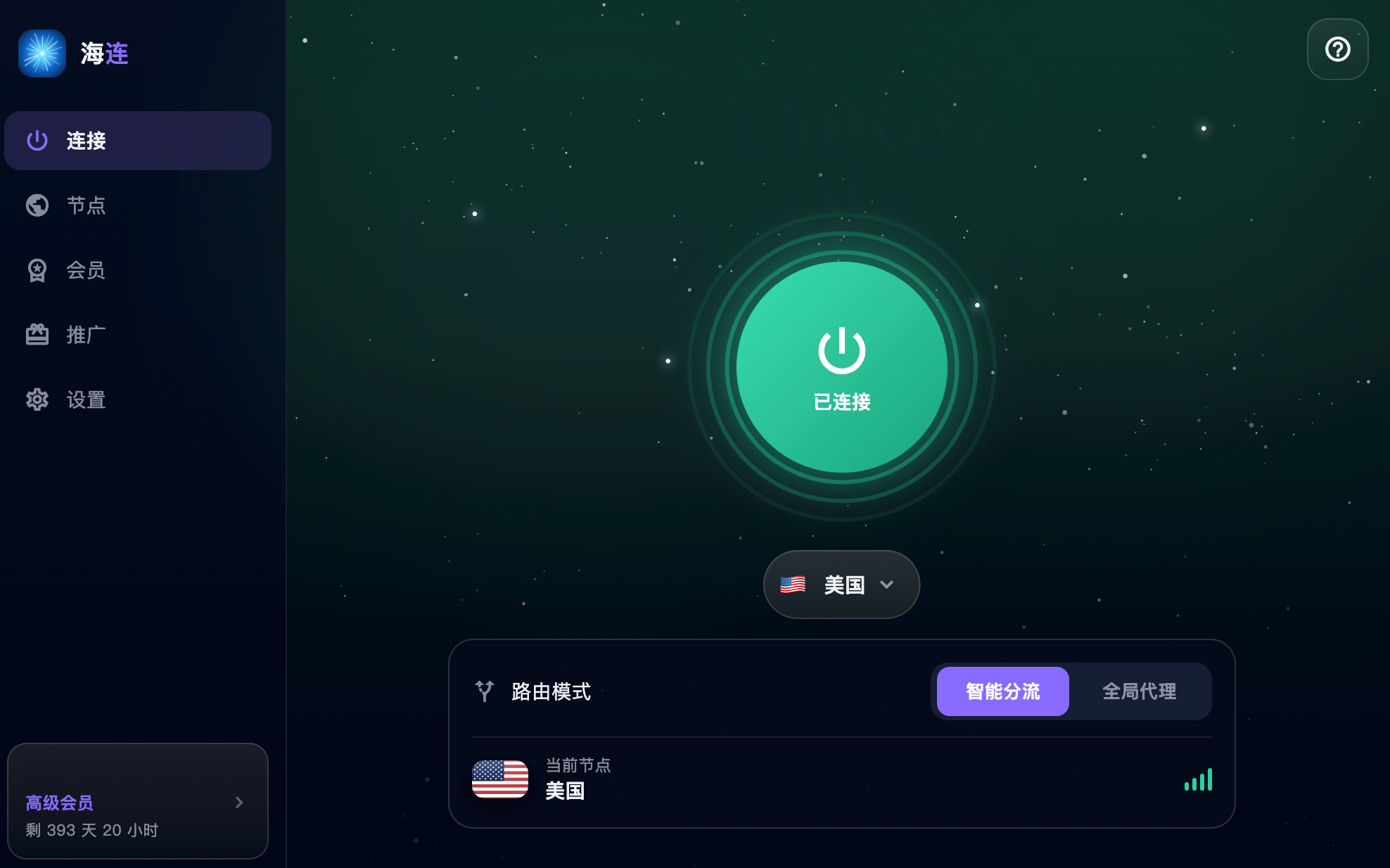
The macOS 1.0.8 announcement was published on 7 July 2026. It introduced the Mac connection experience and described support for Apple silicon and Intel Macs through a universal build. Always check the requirements of the current installer: this is a historical release note, rather than a compatibility certificate for every later macOS release.
A client for the Mac desktop
The app brought sign-in, membership information, route selection and connection controls into a desktop interface. Users did not need to maintain a VPS or manually import a subscription just to start a normal connection.
The same personal account could be used on other supported platforms within the plan's device limits. This does not permit reselling access or distributing one personal account to unrelated users.
Apple silicon and Intel
The original announcement described a universal package for the two Mac architectures. Before installing today, check the download page for the current minimum macOS version and supported hardware. An old announcement cannot prove that an arbitrary archived package is supported or that a later system upgrade has been tested.
Installation and macOS permissions
Download the installer from the official website, open it and follow the current installation instructions. macOS may request a network extension, VPN permission or a privileged helper required by the official client. Read the prompt and confirm the publisher before approving it.
The original release described signing and notarisation. A current security prompt should still be assessed using the actual downloaded package and macOS message. Do not permanently disable Gatekeeper or accept an unverified replacement simply because an older release was described as signed.
If installation stops, use the Mac installation guide and security-warning explanation.
Smart routing and global mode
Smart routing is intended to keep suitable local traffic direct while routing selected destinations through the tunnel. Global mode uses the VPN for more traffic where the account and client support it. Direct traffic outside a split-routing tunnel is not protected by that tunnel.
Start with the mode suited to your task, connect to an available route and check a trusted HTTPS website. Destination services may still apply their own account, location or VPN policies.
Keeping the app current
Use the official update flow or download the latest supported version. Preserve the normal account and settings where the installer supports an update; do not delete system network components at random.
If the app appears connected but browsing fails, check the underlying network, route, membership and conflicts with other VPN or proxy applications. See connected but no internet for a step-by-step diagnosis.
Contact support with the Mac model, macOS version, app version, error time and error text. Hide personal paths and account information in screenshots.