macOS 1.0.13: connection and desktop usability refinements
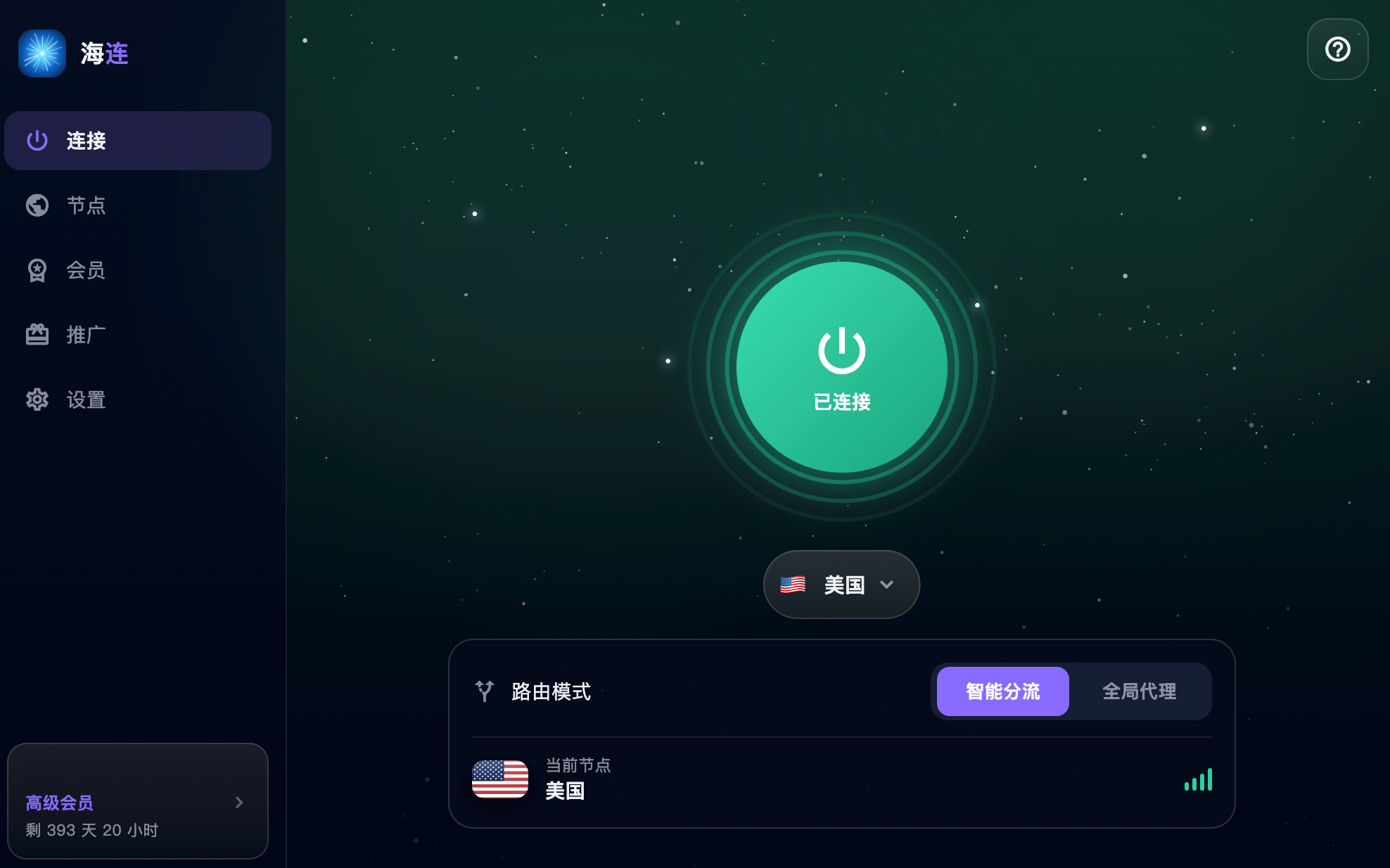
Hailian VPN announced macOS version 1.0.13 on 20 July 2026. The update continued the Mac client's connection and desktop workflow improvements. This English translation describes the release as it was announced; use the current downloads page for supported packages and requirements.
A more complete Mac workflow
The Mac app brings account information, connection state and route selection together. The release refined that everyday workflow so users could start a connection and manage their access from the client. Your account's current membership and device allowance remain the source of truth for access.
Hardware and system compatibility
The announcement described use on both Apple silicon and Intel Macs. Compatibility depends on the specific current build and macOS version. Check those requirements before updating a work machine, particularly if the device is managed by an employer.
Signing and notarisation described in a historical announcement do not mean every file bearing the same name is trustworthy. Download only from the official site or supported update channel, and inspect the publisher and the actual system warning.
Connection modes
Smart routing can send selected destinations through the VPN while leaving local services direct. Global mode uses the tunnel more broadly where supported. Neither mode makes a third-party account anonymous or guarantees acceptance by streaming, banking or workplace services.
After changing modes, repeat the same website test so that you can tell whether the change helped. If only one platform refuses access, distinguish its policy from an underlying connection failure.
Updating the app
Use the official Mac download or the client's supported update entry. The normal installation may request the helper, VPN or network permission needed by the client. Follow the macOS guide for the current installation process.
Quit other VPN and proxy applications while testing an update. If the new app fails to start, record the exact macOS message before reinstalling. Avoid tutorials that require permanently disabling security protections or installing unknown certificates.
If a connection still fails
- Check that the Mac can browse on its underlying network with the VPN disconnected.
- Confirm the correct account and valid membership.
- Reopen the app and review required permissions.
- Try one other available route.
- Test a normal HTTPS page as well as the affected destination.
- Compare with another network if practical.
The connection-failure guide helps organise these checks. For support, provide hardware, macOS version, app version and a brief description of the test. Never send passwords, verification codes or recovery information.