Canada route announcement: Vancouver and the meaning of a 10 Gbps port
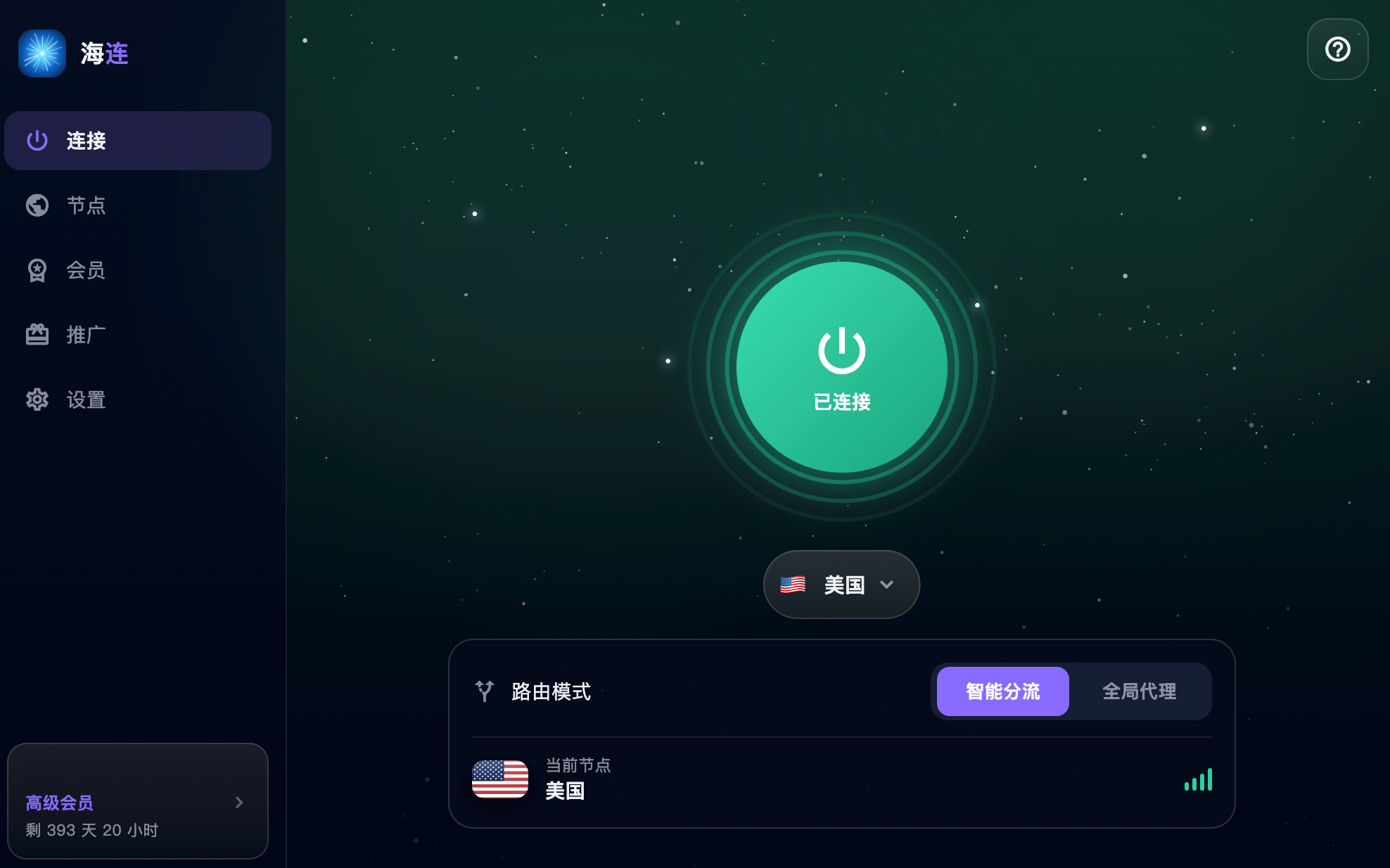
The original announcement on 5 July 2026 introduced a Canada route in Vancouver. It described a server with a 10 Gbps port, an unlimited-traffic personal plan and work on connectivity from China. This is a dated node announcement, not a fresh measurement of today's capacity or routes. Check the current client for availability.
Why Vancouver
A Canadian exit can be useful when a task calls for a North American location or when another available route performs poorly from your ISP. Geography is only part of the path: peering, congestion and the destination's network also affect latency and throughput.
The node's country does not guarantee access to a particular streaming library, business account or platform. Those services make their own decisions about VPN addresses, account regions and licensing.
What 10 Gbps means
A 10 Gbps server port describes an upstream interface or advertised server capacity. It is not a promise that every user receives a dedicated 10 Gbps connection. Your speed is constrained by the slowest relevant part of the path, including your home or mobile network, international routing, server load and the destination.
For a useful test, use the same device, network and destination across two routes. Compare an ordinary website, a video or file you actually use, and connection stability. A single speed-test result cannot represent every application or time of day.
Unlimited traffic and personal use
The original announcement promoted a plan without a fixed traffic quota. Current plan terms and account information determine what is offered today. Unlimited traffic does not mean exclusive bandwidth, unlimited simultaneous devices or permission to resell and share a personal account.
Read the pricing page and Terms of Service for the applicable conditions.
Routing and congestion control
The original post mentioned routing improvements and BBR. Congestion control can affect transport behaviour, but it cannot eliminate all congestion or make a distant destination local. These historical statements should not be read as current proof of a particular carrier path from every Chinese ISP.
Try the Canada location when it is available, and compare it with another route from your usual network. If the underlying connection is unstable, fix that first.
How to try the route
- Install the current official client from Downloads.
- Sign in and confirm your plan's available locations.
- Select the Canada route if it is listed.
- Connect and open a trusted HTTPS website.
- Test the actual service you intend to use.
If only one website fails, check its policy instead of assuming that all Canada traffic is blocked. For general failures, use connection troubleshooting or slow-speed checks.