Using a VPN more safely in China: downloads, devices and accounts
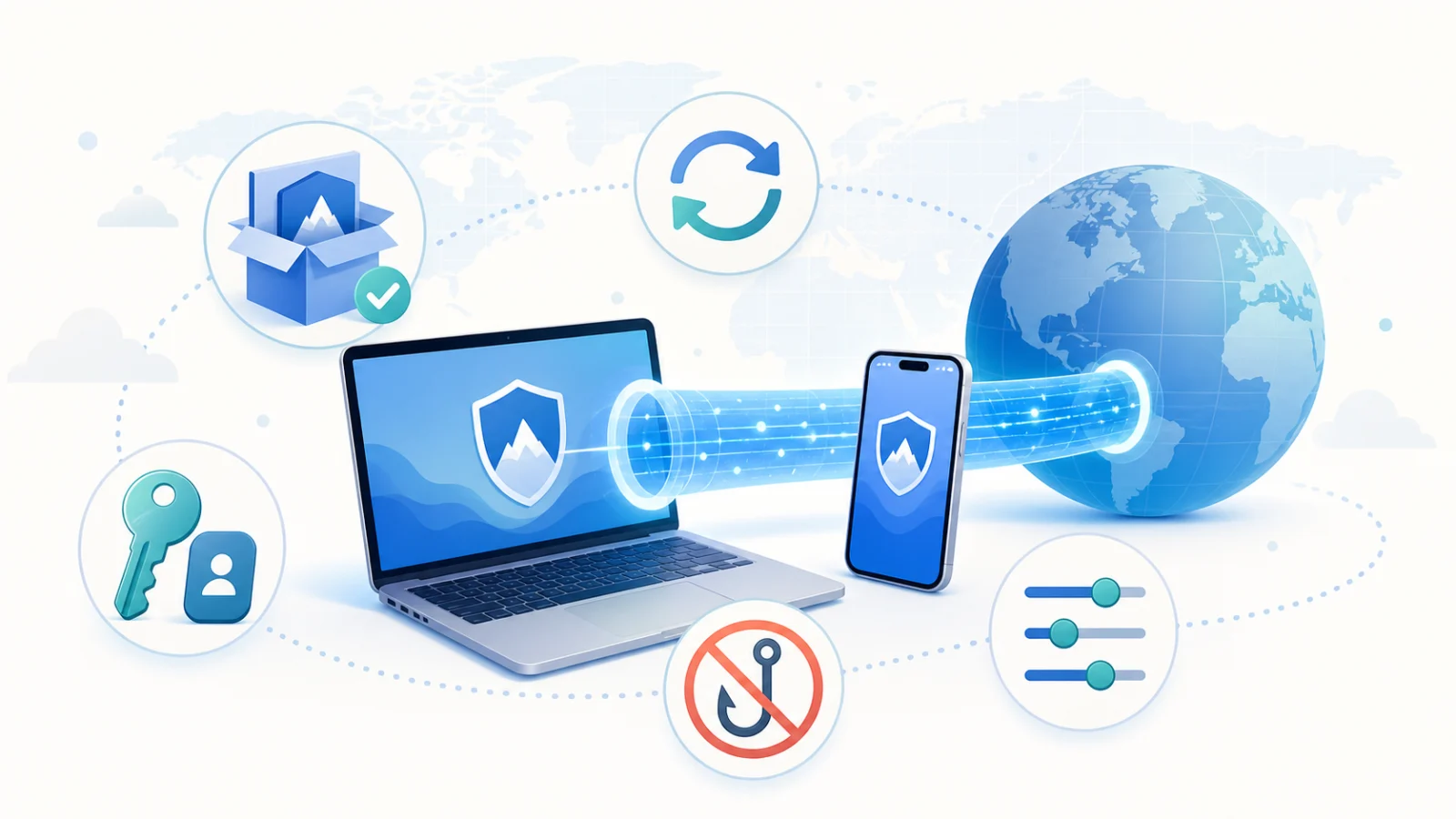
When using a VPN in China, it is easy to focus on whether it connects and overlook other questions: where the installer came from, whether the device is updated, who knows the password and whether the browser has opened the correct website. A practical safety check covers each of those layers. Understand the applicable local rules, workplace network policies and destination terms before using a cross-border networking tool.
What a VPN protects, and what it does not
A VPN establishes an encrypted connection between the device and the VPN endpoint for traffic using that tunnel. It can reduce what an intermediate network or shared Wi-Fi operator can read, but it does not make the user invisible or repair a compromised device.
A signed-in website still knows the account. Cookies, device information and behaviour can identify a session. Phishing websites can use HTTPS, and malicious local software can read inputs or files before encryption. The provider and its client become another trust boundary.
1. Download through official channels
Avoid chat attachments, file-sharing collections, impersonating advertisements and modified installers. A familiar icon does not establish that a package is genuine.
Before installing, check four things:
- Open the official domain from a trusted bookmark or type it carefully.
- Confirm that the download is on the official site or an explicitly identified distribution service.
- Check the app name, developer and signature information exposed by the system.
- Use the supported in-app update entry when available instead of an unofficial repair package.
For an official Android APK, permit installation only for the source you use and turn that permission off afterwards. Keep Play Protect enabled where available. A system warning deserves a specific source and warning check, rather than an automatic instruction to continue.
Hailian downloads are on the official page; new users can follow first connection.
2. Keep the device trustworthy
Update the OS, browser and VPN app. Use a screen lock and the device's supported disk encryption. Remove unneeded tools from unknown sources and inspect unfamiliar VPN profiles, root certificates, device-management entries or browser extensions.
For payment, work files and your main email, avoid relying on a rooted, jailbroken or deliberately weakened device. Do not permanently disable antivirus, firewall protection or security updates because an online tutorial says to do so. CISA's ransomware guidance includes keeping systems and software patched as a basic precaution.
3. Protect the account and main email
Use a distinct long password or passphrase for each important account and a reputable password manager. Enable multifactor authentication on your main email, password manager and important work accounts where supported. Phishing-resistant passkeys or security keys provide stronger protection against credential phishing than a password alone.
Never send a password, verification code, recovery code or authenticator screenshot to someone claiming to be support. Avoid shared accounts and unofficial rental accounts. Your main email deserves particular attention because it can reset other passwords. See NIST's authentication guidance and CISA's MFA guidance.
4. Choose the routing mode deliberately
Hailian's supported clients offer smart routing and global mode, subject to platform and account support. Smart routing can keep suitable domestic or local services direct and route selected destinations through the VPN. Global mode uses the tunnel more broadly and can add latency.
Direct traffic in a split-routing setup is outside the tunnel. If an untrusted Wi-Fi network or a task calls for broader coverage, inspect the current client's supported global controls rather than assuming the connection indicator covers every application.
Banking, payment, workplace and streaming services can require extra verification or reject a VPN exit. Check the real domain and follow the organisation's policy before repeatedly entering account details.
5. Keep HTTPS
VPN transport and HTTPS protect different segments. A VPN covers the device-to-endpoint tunnel; HTTPS uses TLS between the browser or app and the destination. TLS 1.3 protects the confidentiality and integrity of a correctly established application connection.
Check domain spelling before entering credentials or uploading files. Stop on certificate errors rather than forcing the page open. An encrypted connection does not prove that a page is legitimate. Do not install unknown root certificates or security extensions merely to make a website work. Separate browser profiles can help keep work and personal sessions organised.
6. Take three extra steps on public Wi-Fi
Confirm the exact hotspot name with staff. Disable file or nearby sharing and use the public-network setting where the OS provides it. Complete the Wi-Fi portal sign-in, then establish the VPN before using sensitive accounts.
A personal mobile hotspot can be easier to control than an unfamiliar public network. If the network behaves unexpectedly while you are handling payment, recovery codes or confidential files, postponing the task may be the sounder decision.
7. Pause sensitive activity during failures
When the connection drops or browsing suddenly fails, pause logins, payments and sensitive uploads. Do not give an unknown person remote access because you need a quick repair.
Check the underlying network, reconnect or try another available route, confirm the official app version and distinguish one blocked site from a general failure. The layered troubleshooting guide helps collect useful information.
For support, send the device, OS, app version, approximate error time and redacted message. Hide full email addresses, phone numbers, order details, codes and unrelated chats. Review diagnostic information for personal paths and network identifiers and submit it only through the official channel.
A checklist to keep
- The installer came from the official site or supported update flow.
- The OS, browser and client are current.
- There are no unexplained certificates, profiles or extensions.
- The VPN account has a unique long password and is not shared.
- Important accounts have supported multifactor protection.
- The chosen routing mode matches the task.
- The domain is correct and the browser has no certificate warning.
- Support messages exclude passwords, codes and unrelated private data.
Start with Hailian
Choose the current client from Downloads, complete the device and source checks, sign in and allow the official VPN permission. Select the mode, connect and test a trusted HTTPS site before handling important accounts.
The integrated client reduces manual setup work. Update verification described in the client's release history includes signed update information and package integrity checks; use the current supported official update flow. No tool can promise uninterrupted access, universal destination acceptance or protection from weak passwords and phishing.