Personal VPN accounts: using your own devices without sharing access
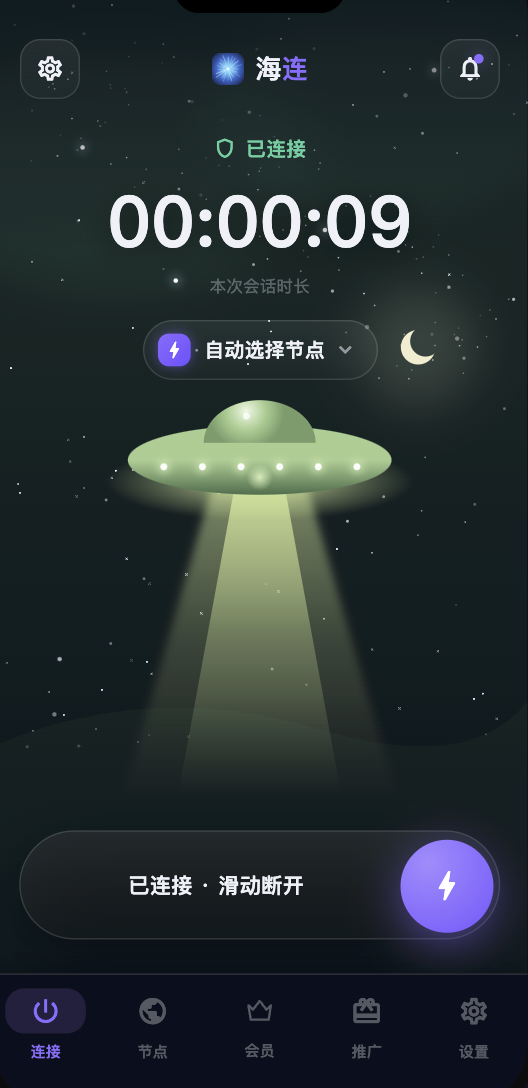
A personal Hailian VPN account is intended for its owner. Using that account on your own supported devices is different from giving the password to unrelated people, running a shared rental group or reselling access. The plan's current device allowance and Terms of Service determine the applicable conditions.
Why sharing creates problems
When several people know the same password, the owner loses control over who can sign in, change account information or consume the available connection allowance. If an unfamiliar device appears or the account stops working, it becomes harder to determine which user or network caused the issue.
A shared login can also expose membership details and other account information. Sending passwords through group chats or using a reseller's account increases the chance that access will be changed or withdrawn without notice.
Your own devices are a separate case
A phone, laptop and desktop belonging to the same person can be used within the limits of the purchased plan. Check the account display for the allowed devices and simultaneous connections. Do not assume that unlimited traffic also means unlimited devices or permission to redistribute access.
If you replace a device or repeatedly reinstall the app, contact official support when the account's device controls need attention. A device-limit problem should be diagnosed on its own facts.
Sharing and resale
Personal accounts should not be advertised as a group service, sold to other people or included in an unofficial rental arrangement. Referral links and the official affiliate programme provide a separate way to introduce the service without handing over your login. Their eligibility and reward conditions are distinct from membership.
The original article warned that policy violations can lead to account restrictions. Any handling should follow the current terms and the circumstances of the account; a network symptom alone is not proof that someone shared it.
Protecting your account
Use a unique long password and keep the associated email account secure. Do not give a password, verification code or recovery code to a person claiming to be support. When you suspect unauthorised access, change the password through the official flow and contact support about unfamiliar devices or account changes.
If you bought access from an unofficial reseller, verify whether you actually own the account and its recovery email. A low price does not make a shared account reliable.
A practical rule
Keep your personal account under your control, use it on your own devices within the plan, and direct friends to their own registration flow. Before purchasing, check current plans; before referring others, read the conditions shown in the relevant invitation or affiliate interface.